What’s new at WaitWell – August 2026
Your monthly roundup of what’s new at WaitWell. This issue covers our biggest release yet, where our team has been on the road, new articles from the blog, and the free live sessions you can join in September.
👋 Hi WaitWell Community,
This month brings a big release, plus a refresh across the app with clearer wording and a cleaner look.
Staff booking links lead the way. Each staff member can create up to 10 per location, and the link opens your booking site with that person already selected, photo and bio included.
Staff scheduling got a major upgrade too. It now opens on a full-week Staff view you can click, drag, and paste your way through.
Everything here is covered briefly, so reach out to your Client Success Manager to go deeper. Further down: where we have been this month, and the story behind Nevada’s award-winning DMV turnaround.
Product updates
This release brings staff booking links, a rebuilt staff scheduling view, better customer records and reporting, and a long list of smaller changes across bookings, queue, and setup.
Links that point straight to your staff
Each staff member can create their own booking links, up to 10 per location. The link opens your booking site with that person already selected, photo and bio included.
- Fix a link to one service, or let the customer pick
- Name it, like “Student advising”
- Set an expiry date, or leave it open
- Turn it off or delete it any time
- See how many times it has been opened
- Copy the link or open its QR code from the list
Staff can also add their own meeting link to their profile, now in its own section under account preferences. When they are assigned to a ticket, that link gets used. No link on file? We create one, same as always.
Customers and reporting
- The customers report has its own spot in the left menu, plus notes and tags on every record
- A refreshed tickets tab, showing each past visit’s service, status, staff member, location, and time
- Search customers at one location or all of them, with date of birth in the results
- Reporting tabs, so you can organize your reports instead of scrolling one long list
- Appointment search now opens on the last three months, and you can choose any date range
- See who created each appointment, and when, in the results
- A bounced and failed messages report, showing texts that failed and emails that bounced, with a link to the ticket
- See party size instead of ticket counts in tickets by agent
Bookings and queue
- Swap the customer on a saved ticket or appointment
- Give each person in a party their own service type
- Cap how many appointments get booked at the same time, or set a maximum for specific hours of the day. Leave a cell empty for no limit
- Send on-hold tickets to the bottom of the queue
- Send a waiver or form for the customer to fill in themselves, even if you cannot edit it
- Require a staff member on every bookable slot
- Services that send customers to another site stay out of the additional services list
Setup and everyday use
- Assign a staff role across a whole region in one step
- Give someone access to schedules, positions, and staff service times, without opening up the rest of your settings
- Drag your service type categories into the order you want them on your customer site and kiosk
- The workflow page in communication templates is now called walk-in
- Better keyboard and screen reader support throughout
- Clearer wording throughout the app, so your team moves through their day with confidence
- Waillo Assist remembers your conversation after a page refresh
Staff scheduling just got a major upgrade
Build the week faster, cover gaps in a click, and let staff see their shifts in their own calendar.
A new way to see the week
Scheduling now opens on the staff view: one row per person, the full week across the top, hours and daily totals built in. Weeks load noticeably faster, too.
- Click any empty day to add a shift
- Drag a shift to another day, or another person
- Copy a week or a single day, then paste it anywhere
- Shifts are colour-coded by position
One change to note: each shift now belongs to one person. To cover a busy day, add a shift per person. Multi-person shifts you have already built keep working as they did.
Fewer surprises
- Mark someone off sick straight from their shift
- Swap one person for another, or add extra staff to a busy date
- Discard unpublished changes and go back to your last published schedule
- When you publish, we flag booked appointments left without staff so you can reassign or cancel in one go
- Scheduled breaks block online booking
Shifts in your staff’s own calendar
Staff can add their WaitWell shifts to Google, Apple, or Outlook calendars. Their calendar updates on its own when the schedule changes, and time-off requests sit alongside their shifts.
Not using staff scheduling yet? Talk to your Client Success Manager about a free 3-month test run.
Mark your calendar for November
You have told us where WaitWell stops and your other systems start. In November, that gap closes. It is the biggest thing we have ever built, and it means far more of your day happens in one place. Stay tuned.
There is a lot in this release, and it is easier to show than to describe. Contact your Client Success Manager for a walkthrough.
Another season at the top of the G2 charts
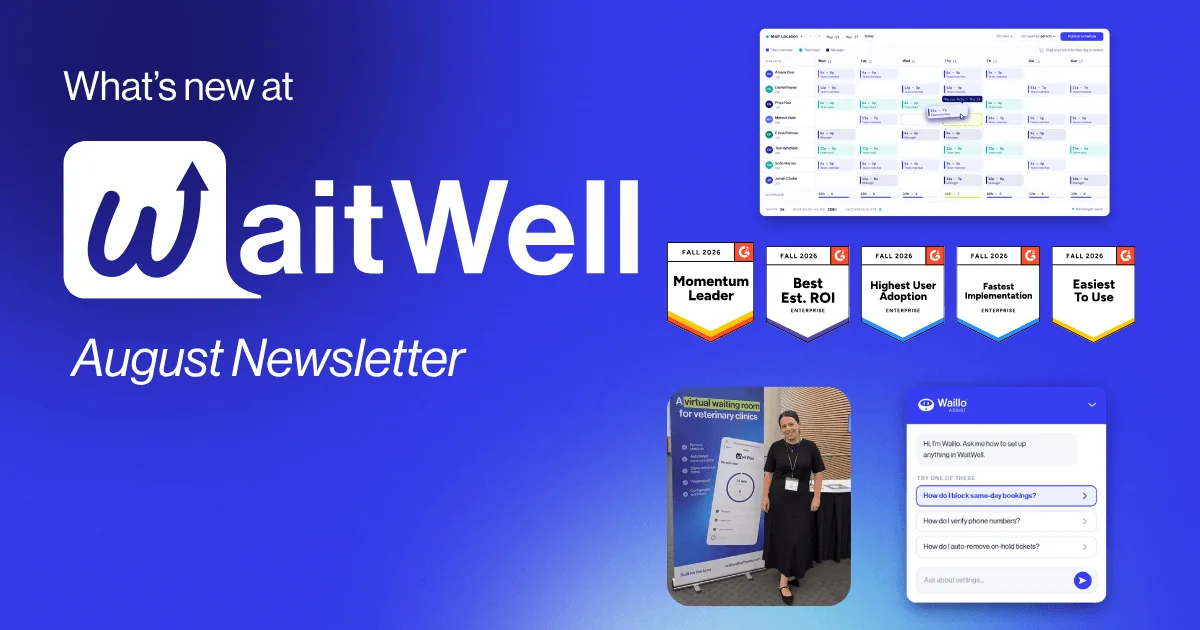
WaitWell is leading the charts again in G2’s Fall Report. Reviews from the people who use our platform every day put us at the top in six categories – plus three badges for speed, savings, and ease of use.
Leader in:
- Enterprise
- Online Appointment Scheduling
- Patient Intake
- Patient Scheduling
- Queue Management
- Visitor Management
Momentum Leader in:
- Online Appointment Scheduling
- Patient Intake
- Queue Management
- Visitor Management
And three standout wins:
- Easiest Admin – Patient Intake
- Best Estimated ROI – Enterprise Visitor Management
- Fastest Implementation – Enterprise Online Appointment Scheduling
Every one of these badges comes from real customer reviews. Thank you to everyone who took the time to share how WaitWell works for their team.
If you are a WaitWell customer please leave us a review on G2 and receive a $50 gift card!
On the road
Four events in August, in four different corners of the work our customers do.
Florida Tax Collectors Association was the highlight. We spent it with our Florida customers, a lot of them in one room, catching up on what is working and what they want next.
TC TECH let us meet up with Georgia county officials, talking through what happens between a customer walking in and reaching the counter.
Colorado County Clerks Association brought together offices that handle motor vehicles, recording, and licensing at the same counter. That mix is exactly what queueing and appointments are built for.
VetBolus in Banff was close to home for our Alberta team. Clinics run on booking, reminders, and check-in, and we heard plenty about all three.
In September we are at the SD Counties Annual Convention in Pierre, and at IVECCS in Savannah from September 14 to 17. Come find us if you will be there!
New on the blog
How Nevada won the West’s top DMV customer service award – Nevada’s DMV took AAMVA’s Region 4 Customer Convenience Award, and the numbers explain why. After its rural offices moved to appointment-only service, the average wait dropped from 78 minutes to 18. That is a 77% reduction with the same buildings, the same staff, and the same customers. The piece walks through how Nevada got there, from a two-office pilot in early 2024 to every rural office by last December, and what other agencies can borrow from it.
Join a live session, or watch one on demand
Every week we run free live sessions to help you get more out of WaitWell. Some walk through features step by step. Others dig into bigger topics like cutting wait times, reducing no-shows, and running a smoother service operation. Bring your questions, because our team is there live to answer them.
Can’t make a time that works? Our on-demand library is open whenever you are. Watch a past session start to finish, or skip to the part you need.
Either way, you get the same thing: a live demo of the platform, real results from teams like yours, and a chance to talk through the service challenges you are working on.
See upcoming sessions and watch on demand
Until next time, The WaitWell team 💙